Streamline communications, payments, and homeowner engagement.
Everything in core, plus stay on top of violations, maintenance, and day-to-day operations.

Everything in Operational, and run your community’s finance, reporting, and operations from one place.
The Challenge
Most self-managed HOAs are handling violations and maintenance with a patchwork of emails, texts, and spreadsheets. It works — until it doesn't.
Violation Management
When violations are tracked in email threads and enforced inconsistently, homeowners push back — and boards spend more time defending decisions than resolving issues.
Work ORder Management
A text message to the board president, an email to a vendor, a sticky note on the fridge — maintenance requests disappear into the void and frustrated homeowners follow up repeatedly.
vIOLATION mANAGEMENT
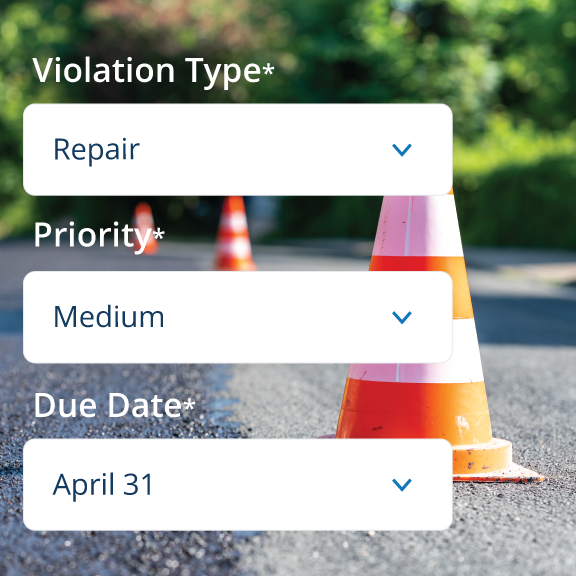
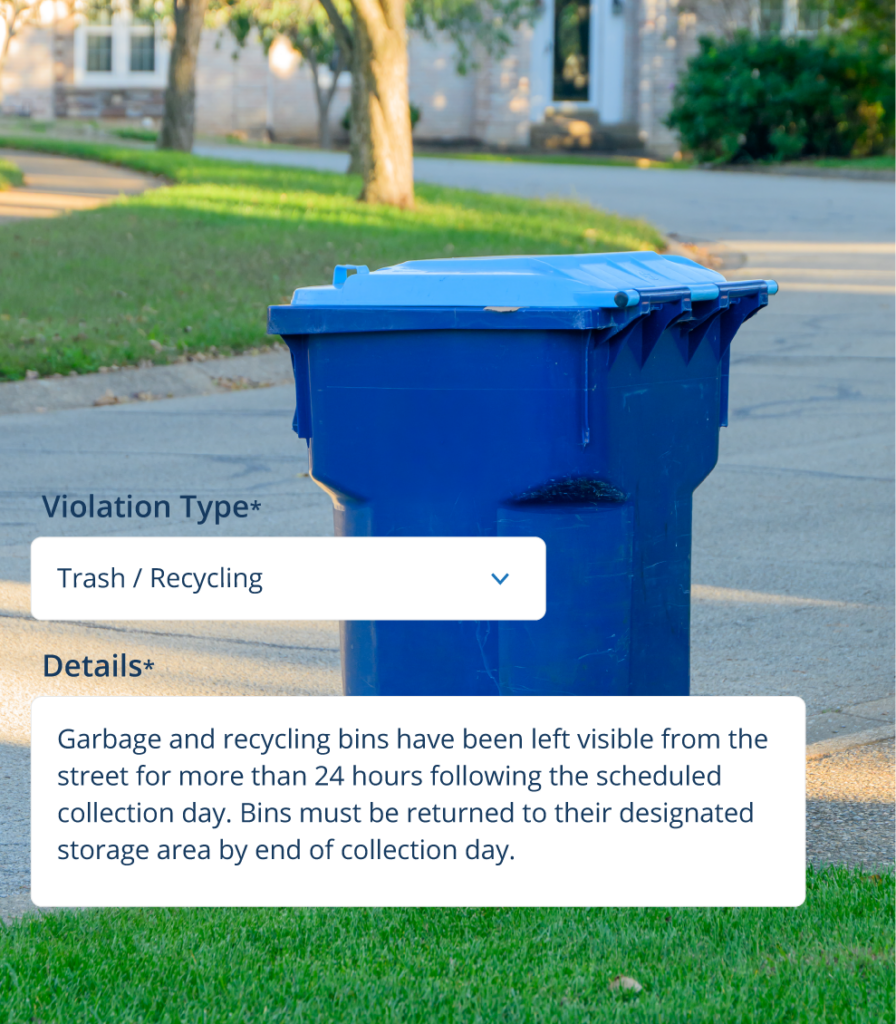
Document violations with photos directly in the platform. Every notice is tied to visual evidence — no more he said, she said.
Easy templates ensure every notice goes out with consistent language, tone, and required details — saving your board time and protecting against disputes.
Homeowners can view their violation history, respond to notices, and track resolution status directly through their owner portal — keeping everyone informed and accountable.
Every violation is logged per property — so your board always has a complete record when it matters most.
Violation AUTOMATION
Configure your violation process once — and let Hoampage handle the follow-up. Automated reminders, escalations, fines, and penalties that run in the background so your board doesn't have to.
Create and organize custom violation categories that reflect your community's specific rules — so every notice is logged under the right type and your records stay clean.
Set automated reminder schedules for every violation status — Issued, Pending, Under Review, and Escalated. Define how many reminders go out and how often, without any manual follow-up.
Set rules that automatically escalate violations when conditions are met — maximum reminders reached, maximum penalty reached, or repeat offenses within a set timeframe. Notifications go to the right people automatically.
Define fine amounts by offense level — Warning, 1st, 2nd, 3rd+ — for each violation type. Amounts can be overridden when issuing a notice, giving your board flexibility while keeping a consistent baseline.
Configure grace periods, penalty amounts as a percentage of the original fine, and how often penalties compound — until resolved or until a maximum cap is reached. Consistent enforcement, every time.
Designate who gets notified when a violation is escalated — board members, property managers, or any email address. The right people are always in the loop without anyone having to remember to follow up.
Work Order Management
Admin submits work orders directly through the platform — with details, location, and urgency level.
Assign each work order to a board member or vendor. Every request has a clear owner — so nothing gets lost in the shuffle.
Open, in progress, completed — every work order has a live status so boards and vendors always know where things stand.
Confirm completion, add notes, and close the work order. Every job is logged — giving your board a full maintenance history for the community.
The Vendor Roles
When a work order involves outside help, trusted Marketplace vendors play an active role — receiving assignments, submitting estimates, and completing jobs — all within the same platform your board is already using.
Community vendors get notified when a work order is assigned to them — with all the details they need to assess the job before submitting an estimate.
From their account, vendors can Create or upload cost estimates directly through the platform. No emails, no phone calls — everything is documented and tied to the work order.
Vendors can log check-ins and progress updates as work moves forward. Once completed, and the board is satisfied, the work order is closed with a full record saved automatically.
plans & pricing
Violation tracking and work orders are included in the Plus and Pro plans — along with every communication and payment tool your HOA needs.
Get started free — no credit card required, no commitment needed.
Want to see it first? Request a Demo